GPT Image 2
GPT Image 2 is OpenAI’s latest GPT Image model for generating and editing images. Aiberm exposes it through OpenAI-compatible image endpoints, so you can use the OpenAI SDK by changing base_url / baseURL to https://aiberm.com/v1.
Generation endpoint: POST https://aiberm.com/v1/images/generations
Edit endpoint: POST https://aiberm.com/v1/images/edits
Model: gpt-image-2
Choosing an API
Use the Image API when you need one request to generate or edit an image. This is the recommended path for most Aiberm integrations.
OpenAI also documents image generation as a tool in the Responses API for conversational or multi-step image workflows. If your integration depends on multi-turn editing, first confirm that your Aiberm model and endpoint support the Responses API.
Generate an image
The Image API returns base64 image data in data[0].b64_json. Decode it and write the bytes to a file.
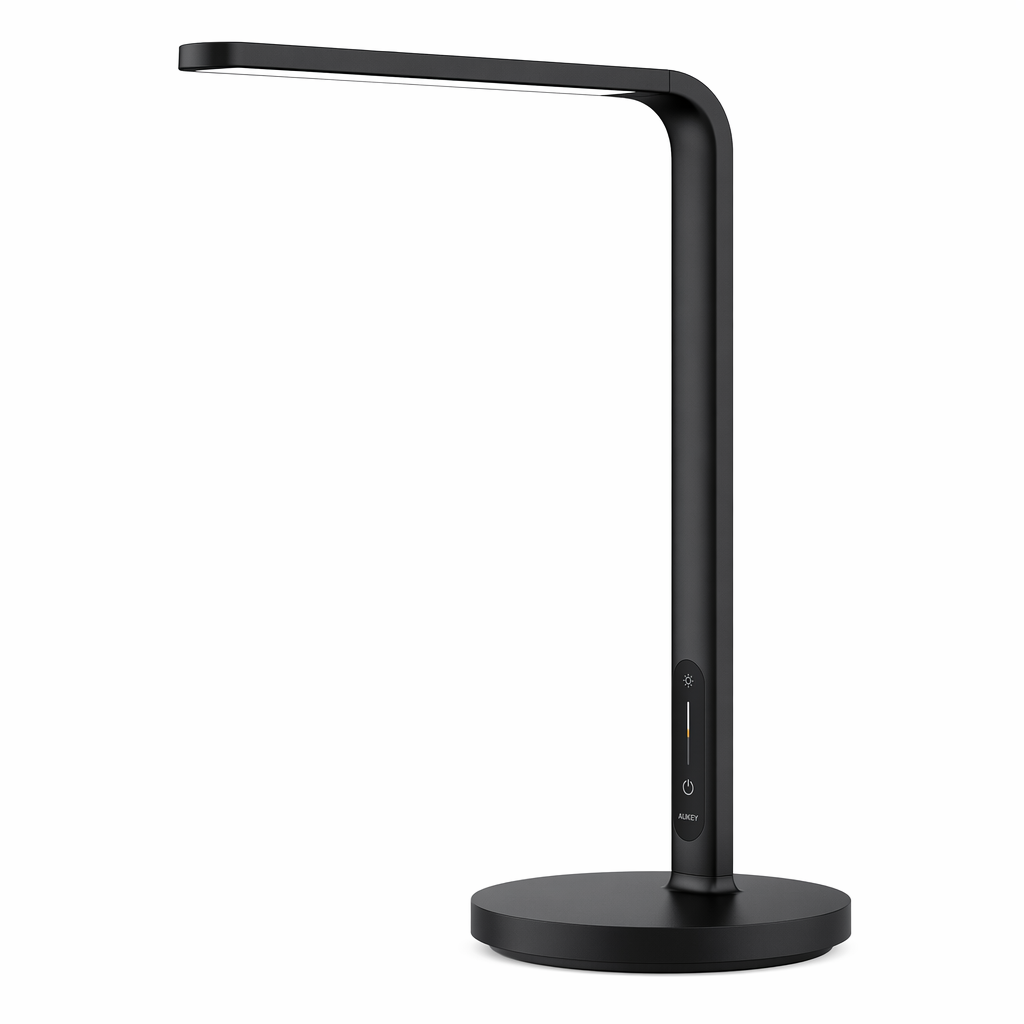
1from openai import OpenAI2import base643 4client = OpenAI(5 api_key="YOUR_API_KEY",6 base_url="https://aiberm.com/v1",7)8 9result = client.images.generate(10 model="gpt-image-2",11 prompt="A clean product photo of a matte black smart desk lamp on a white background",12 size="1024x1024",13 quality="medium",14)15 16image_base64 = result.data[0].b64_json17image_bytes = base64.b64decode(image_base64)18 19with open("lamp.png", "wb") as f:20 f.write(image_bytes)Verified example output
This image was generated with the Python example above and saved from data[0].b64_json.
Edit with reference images
Pass one or more images to images.edit and describe the desired output. Multiple input images can be used as references for a new composition.
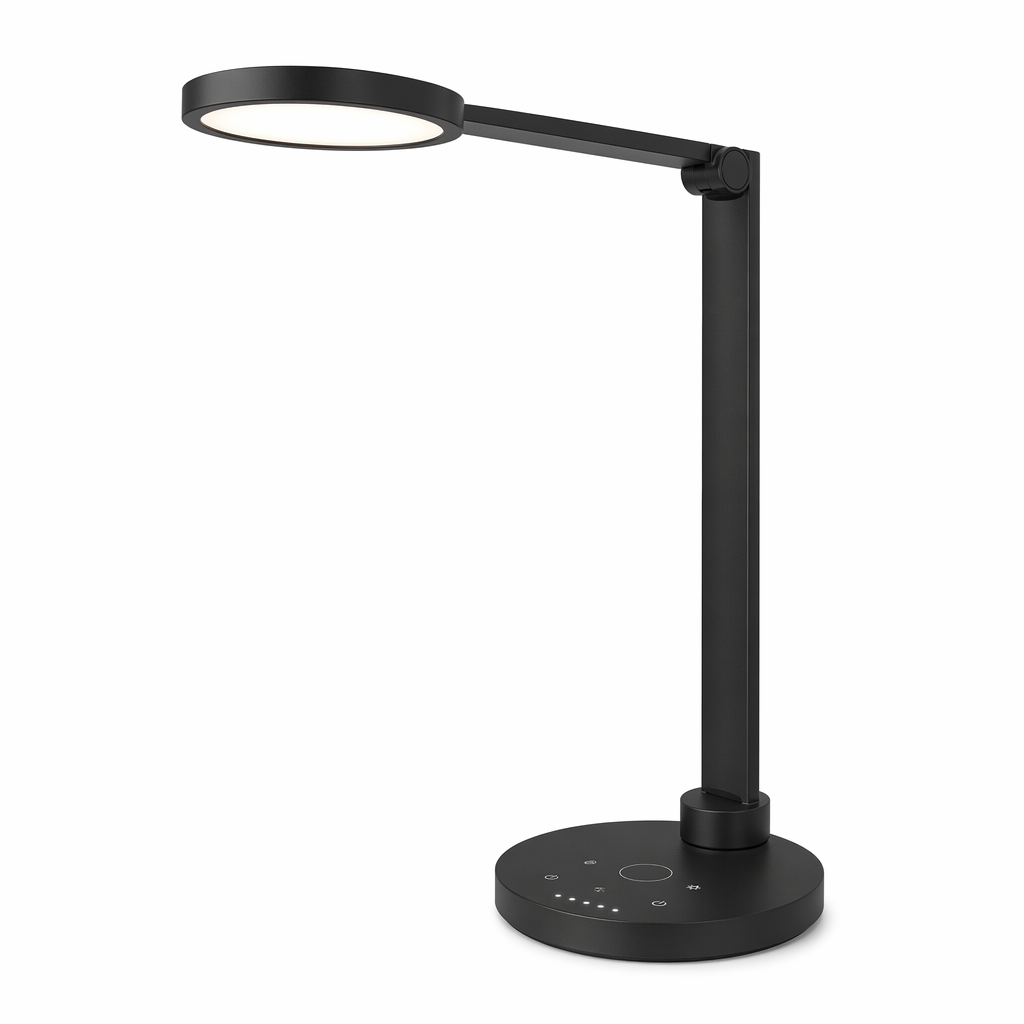
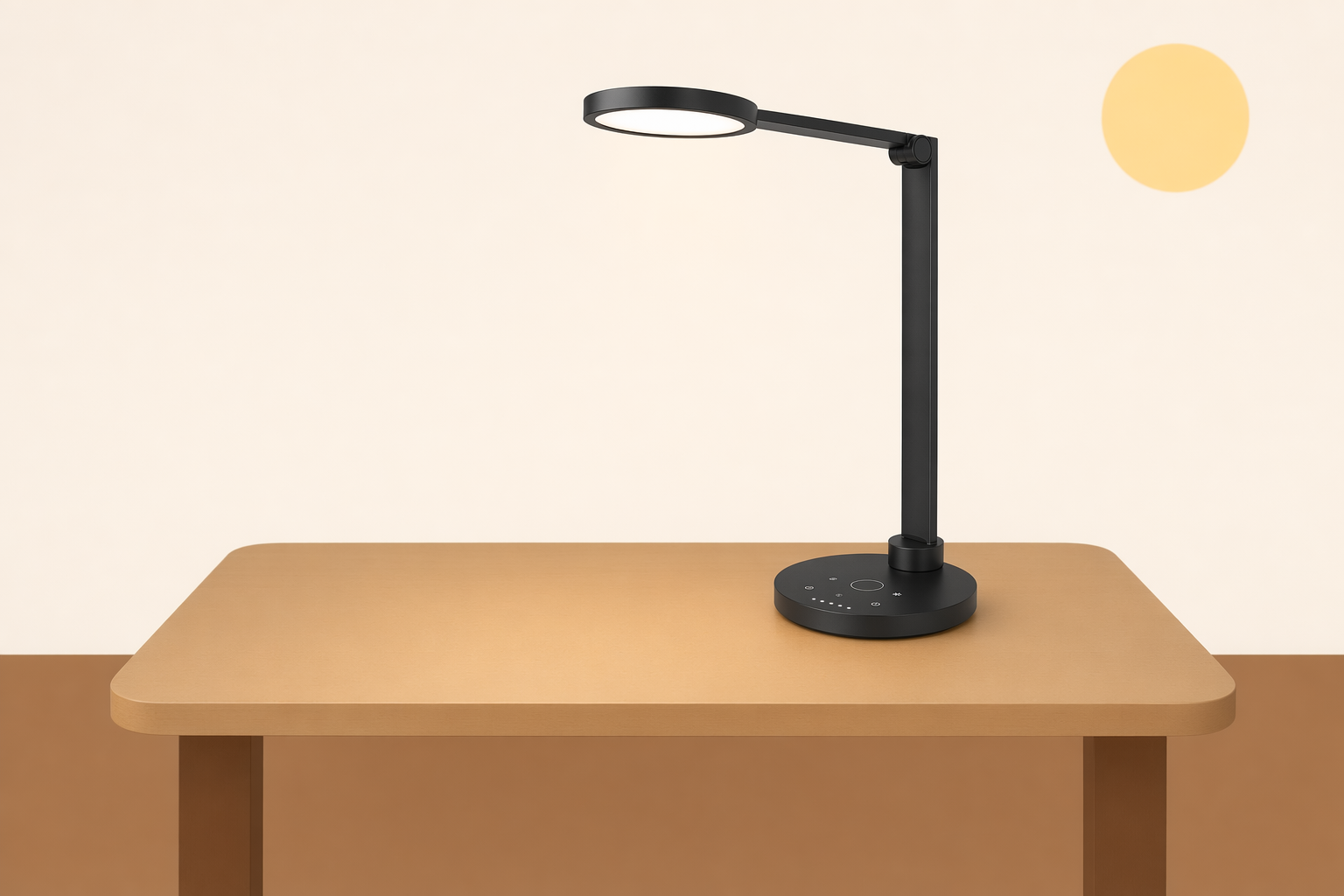
1from openai import OpenAI2import base643 4client = OpenAI(5 api_key="YOUR_API_KEY",6 base_url="https://aiberm.com/v1",7)8 9result = client.images.edit(10 model="gpt-image-2",11 image=[12 open("product.png", "rb"),13 open("background.png", "rb"),14 ],15 prompt="Place the product from the first image onto the desk in the second image. Keep realistic lighting.",16 size="1536x1024",17 quality="high",18)19 20image_bytes = base64.b64decode(result.data[0].b64_json)21with open("edited-product.png", "wb") as f:22 f.write(image_bytes)Verified reference edit
The edit example combines the product image with the desk background and returns a new 1536x1024 PNG.
| Product input | Background input | Edited output |
|---|---|---|
 |  |  |
Edit with a mask
Use a mask when you want to guide which area should change. The source image and mask must have the same dimensions and format, and the mask must include an alpha channel.
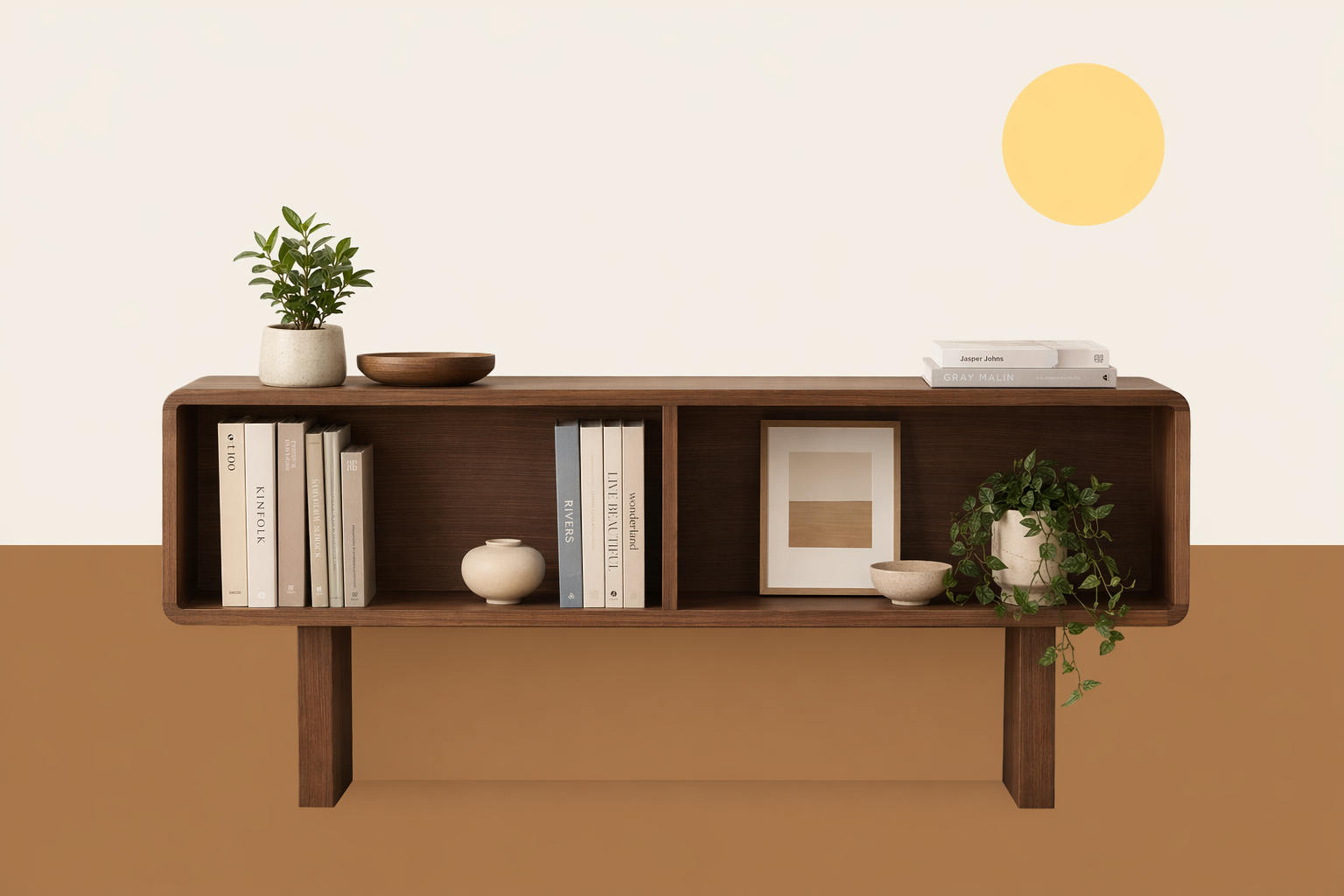
1from openai import OpenAI2import base643 4client = OpenAI(5 api_key="YOUR_API_KEY",6 base_url="https://aiberm.com/v1",7)8 9result = client.images.edit(10 model="gpt-image-2",11 image=open("room.png", "rb"),12 mask=open("mask.png", "rb"),13 prompt="Replace the masked area with a modern walnut bookshelf.",14)15 16image_bytes = base64.b64decode(result.data[0].b64_json)17with open("room-bookshelf.png", "wb") as f:18 f.write(image_bytes)Verified mask edit
The mask image uses an alpha channel to guide the editable area. The returned image is a normal PNG.
| Source image | Mask image | Edited output |
|---|---|---|
 |  |  |
Streaming partial images
OpenAI’s upstream API documents stream and partial_images for receiving intermediate images before the final result. On Aiberm, treat this as compatibility-dependent: use the standard non-streaming flow unless your endpoint has explicitly confirmed streaming support.
If you send stream: true and partial_images, the response may still be a normal final JSON payload with data[0].b64_json.
Output options
| Parameter | Values | Notes |
|---|---|---|
size | auto, 1024x1024, 1536x1024, 1024x1536, 2048x2048, 2048x1152, 3840x2160, 2160x3840, or another valid custom size | Each edge must be a multiple of 16 px, max edge is 3840 px, aspect ratio must be no more than 3:1, and total pixels must be between 655,360 and 8,294,400. |
quality | auto, low, medium, high | Use low for fast drafts and medium or high for final assets. |
output_format | png, jpeg, webp | Default is png. jpeg is usually faster when transparency is not needed. |
output_compression | 0 to 100 | Applies to jpeg and webp. |
background | auto, opaque background options | gpt-image-2 does not currently support background: "transparent". |
stream, partial_images | Compatibility-dependent | Aiberm may return a normal final JSON response instead of streamed partial image events. |
moderation | auto, low | auto is the default filtering level. |
Notes and limitations
- Complex prompts can take longer to process; design your app with timeouts and background work in mind.
- Text rendering is improved but still not guaranteed to be exact. For logos, labels, or UI mockups, check the output before publishing.
- The model may not preserve recurring characters, exact layouts, or brand details perfectly across separate generations.
- For edits, omit
input_fidelitywithgpt-image-2; the model processes image inputs at high fidelity automatically. - For mask edits, the mask is guidance rather than a pixel-perfect selection.